Discord Community Strategy: How to Engage and Retain Members
Building an active Discord community requires more than good intentions. Learn how to structure your server, plan content strategically, manage roles effectively, and keep members engaged long-term with a proven community strategy framework.


Contents 8 sections
- 1 Define Your Community's Goals First
- 2 Structure Your Discord Server: Architecture Matters
- 3 Create a Sustainable Discord Content Strategy
- 4 The Community Manager's Role in Discord Animation
- 5 Animate Multiple Themed Channels
- 6 Measure Engagement and Adapt Your Strategy
- 7 Next Steps: From Theory to Action
- 8 Frequently Asked Questions
Running an active Discord community with a content strategy that sticks is one of the most concrete challenges creators, brands, and game studios face. A Discord server can bring together hundreds or even thousands of members - but without clear structure and an editorial plan, it empties just as quickly as it filled. Conversations fizzle out, channels stay silent, and initial enthusiasm fades into indifference.
It's not about luck or natural charisma. Successful long-term Discord communities share one critical element: they're built on thoughtful architecture and a regular activity plan. Content published in channels isn't filler - it's the fuel that drives conversation.
This guide gives you a concrete framework to build and maintain an active Discord community. From defining your goals to planning your editorial calendar, managing roles, and keeping things lively day-to-day, every step is actionable starting today.
Define Your Community's Goals First
Before you create a single channel, ask yourself the most important question: why does this community exist? A Discord server without clear purpose attracts members who have no real reason to stay. Setting clear objectives establishes the foundation for every editorial decision you'll make.
Four common community objectives
- Support objective: create a space where members help each other around a product, service, or game.
- Community objective: build a sense of belonging for people who share a passion or interest.
- Growth objective: use Discord as a channel to acquire and retain an audience.
- Co-creation objective: involve active members in developing a project (game, software, content).
These objectives aren't mutually exclusive. An indie game studio might want to rally its fanbase, gather feedback on development, and provide technical support all at once. The key is to prioritize them: your primary goal will shape your editorial calendar, how often you post, and what type of content you produce.
Understand what your members actually want
Your goals should align with the expectations of the people you want to attract. A gamer looks for exclusive previews, insider content, and competitive events. A customer of a tech brand expects responsiveness and tutorials. Take time to identify these needs - through a survey in your server or by analyzing existing discussions - so you can tailor your content with precision.
Once your goals are clear, you can move to the step that determines everything that follows: how you structure your server.
Structure Your Discord Server: Architecture Matters
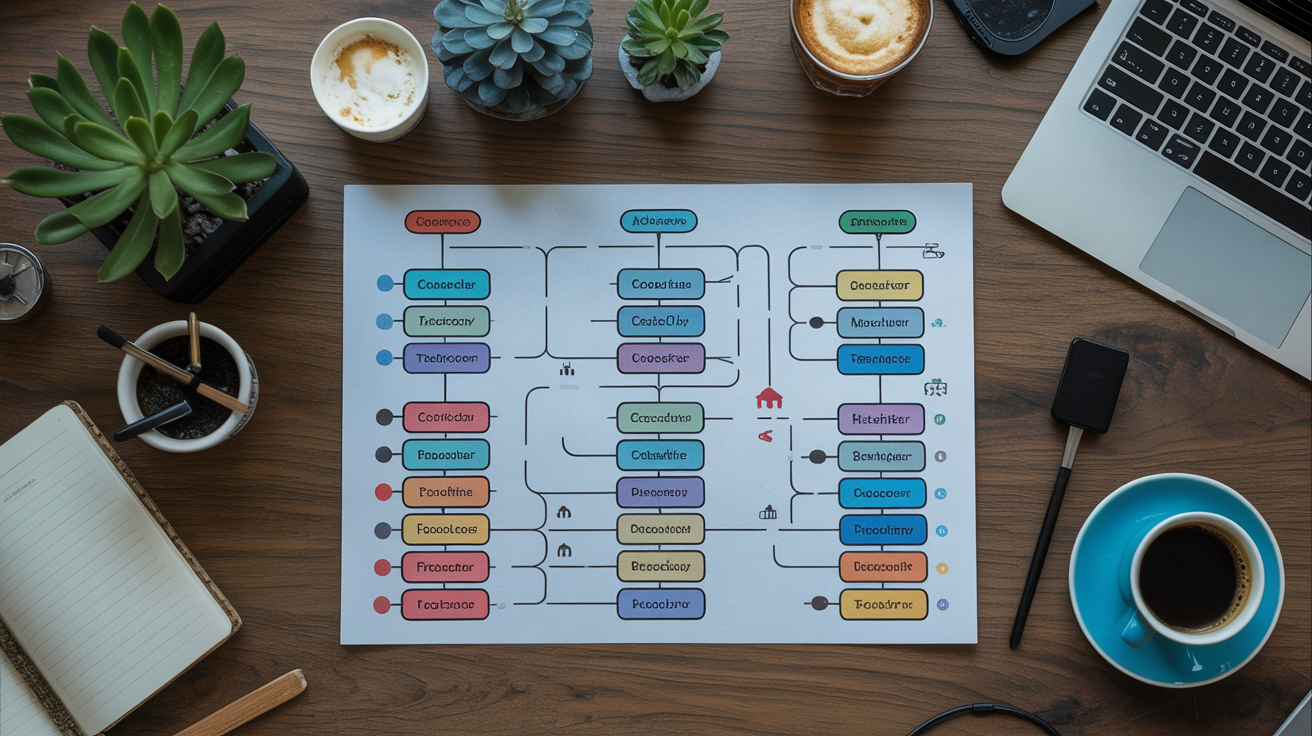
The structure of a Discord server works like the table of contents on a website. If a new member doesn't know where to look within the first few seconds, they leave. Clean organization reduces friction and naturally guides conversations in the right direction.
Organize channels into thematic categories
Discord lets you group channels into categories. A clear structure for a medium-sized community looks like this:
- Info: server rules, official announcements, member introductions.
- General: freeform chat, off-topic posts, memes - the everyday pulse of the server.
- Themed channels: multiple channels dedicated to your community's core topics.
- Events: announcements for livestreams, contests, Q&A sessions.
- Support: troubleshooting, bug reports, feature requests.
- Staff: private space for your moderation team.
Discord also offers threads and Forum channels - two distinct tools. According to Discord's official Forum Channels documentation, Forums are a channel type designed for organized, persistent discussions, while threads are more temporary spaces created within an existing channel. Threads work great for one-off topics (beta feedback, trending debates) without cluttering your main structure; Forum channels suit recurring thematic discussions that need better visual organization. Note: Forum channels are only available on servers that have enabled Community mode.
Why architecture drives engagement
A well-organized server invites exploration. One with many cryptically-named channels discourages participation. Stick to channels that are actually active, and archive or delete those that stay quiet for weeks. An empty channel sends the wrong signal to new members: it looks abandoned. Discord itself recommends against multiplying channels needlessly, since too many channels scatter conversations and kill overall engagement.
Once your structure is in place, you can begin real community building - and that's where your content strategy kicks in.
Create a Sustainable Discord Content Strategy
A successful Discord content strategy rests on two pillars: consistency and variety. Posting the same thing every day gets boring fast. Going silent for a week breaks momentum and disengages your most active members.
Build an editorial calendar
Your Discord editorial calendar doesn't need to be complicated. A simple table with days of the week and planned content types works fine. Here's an example of a balanced weekly rhythm:
- Monday: announcement or news related to your field.
- Wednesday: conversation starter question to spark engagement.
- Friday: exclusive content or behind-the-scenes (sneak peek, making-of, teaser).
- Sunday: week recap and reminder of upcoming events.
This rhythm leaves room for organic interactions without crushing your team under publishing deadlines.
Content formats that drive engagement on Discord
Discord isn't Instagram or YouTube - text and direct interaction reign here. The formats that create the most momentum are:
- Discord's native polls: since 2024, Discord includes an official polls feature built right into the message composer on any text channel, no third-party bots required. Simple, fast, and supporting up to 10 options per poll, they're perfect for sparking engagement. Third-party bots are still available if you need more advanced features.
- Live Q&A sessions in a voice or text channel.
- Challenges and contests with a meaningful reward (exclusive role, early access).
- Behind-the-scenes shares and exclusive information.
- Weekly themed discussions led by a moderator.
Consistent content builds goodwill and keeps members coming back - but it's your human team that truly brings the space to life.
The Community Manager's Role in Discord Animation
A Discord server without an active community manager is like a cafe with no staff: customers walk in, get bored, and leave. No bot or automation replaces human engagement.
Participate genuinely in conversations
A community manager's job isn't just to police misbehavior. Your main role is to engage authentically: answer questions, revive conversations that are losing steam, celebrate active members, and welcome newcomers warmly. This steady presence builds trust that keeps people loyal far beyond what automated content ever could.
Identify and empower active members
Your most engaged members are a precious resource. Identify them and give them responsibility - moderator roles, ownership of a themed channel, event organizer - and you create real belonging. These people become organic ambassadors who keep your server alive even when you're not around.
Human community management pairs perfectly with smart thinking about where your content performs best.
Animate Multiple Themed Channels
A common mistake in under-managed Discord servers is dumping everything into one general chat. Spreading activity across themed channels lets different groups of members find their own space to express themselves, which multiplies the entry points into your community.
Tailor content to each channel's purpose
Every channel has its own vibe. General chat tolerates casual banter. A tutorials channel needs structured, complete posts. A creative space invites personal projects. Using identical content everywhere flattens your server and wipes out these useful distinctions.
Take a channel-specific editorial approach. Define each active channel's purpose in one sentence, then use that as your filter before posting. If a message doesn't fit the channel's mission, create a thread for it or guide the discussion to the right space.
Connect Discord to your other platforms
Discord doesn't exist in isolation. A creator active on YouTube, Instagram, or TikTok can funnel their audience to their Discord server for deeper conversation around their work. Conversely, exclusive announcements on Discord give people a real reason to join the server rather than just follow a social account.
For creators looking to accelerate server growth, growing your Discord server membership can create the initial social proof that reassures newcomers and encourages them to jump in. A visible community naturally attracts fresh faces. You might also explore our guide on Discord membership growth options if you want to understand rapid server launch strategies.
Platform consistency reinforces your overall positioning - and that consistency defines truly integrated communication.
Measure Engagement and Adapt Your Strategy
A Discord content strategy that isn't measured stagnates. Contrary to popular belief, Discord offers a native analytics tool for servers in Community mode: Server Insights. According to Discord's official Server Insights documentation, this tool is available for Community servers with 500+ members and provides data on growth, new member retention, engagement, and your most active channels. For servers that haven't enabled Community mode yet or don't meet that threshold, third-party bots like StatBot offer extra statistics directly within Discord.
Key metrics to track
The most relevant metrics for managing a Discord community are:
- New member retention: Server Insights shows what percentage of new members return to your server after one week.
- Daily and weekly visitors and communicators: a direct measure of server vitality. Discord separates "visitors" (members who clicked into a channel) from "communicators" (members who actually typed or spoke).
- Most active channels: Server Insights ranks channels by readers, participants, and message count, so you know instantly which ones deserve attention or archiving.
- Reactions to announcements: reactions and replies to official messages show how much interest your content generates.
Iterate based on results
Data means nothing without action. If a content format gets weak response, swap it out after two or three weeks of testing - enough time for real patterns to emerge. If a channel fills with messages but gets no replies, rethink its positioning or fold it into a livelier space. Editorial agility is the most valuable skill a community manager can develop.
A measured server is a server that improves. It also knows when it needs to grow and how to get there.
Next Steps: From Theory to Action
Building an active Discord community takes method, consistency, and genuine interest in your members. The foundations are now in place: clear goals, coherent structure, a solid editorial calendar, real human presence, and regular measurement.
Start by auditing your existing server or create a fresh one following these steps in order. Lock in your top two or three goals, cut unnecessary channels, and plan your first four-week editorial calendar. Each week, check what engaged your members and refine from there.
Community momentum builds gradually. But with a solid content strategy, every new member who joins your Discord finds an immediate reason to stay - and to come back.
Ready to boost your presence?
Place your order in 2 minutes, drip-feed delivery, credible profiles, retention guarantee.
Frequently Asked Questions
What's the ideal posting frequency for a Discord server?
There's no universal answer, but three to five posts per week is sustainable for most communities. What matters is consistency: content members can count on at set times creates a ritual and keeps their attention. Better to post less often but regularly than to alternate between intense bursts and long silences.
How do you revive a Discord community that's gone quiet?
Start by diagnosing why activity dropped: confusing structure, no regular content, inactive moderation, or core members moving on. Then launch a rallying event (contest, creator Q&A, community challenge) to reignite excitement. Clean up unused channels and clearly restate your server's rules and purpose.
Should you use bots to manage a Discord server?
Bots automate repetitive work (welcoming new members, assigning roles, advanced moderation). Many functions once bot-only are now built into Discord - polls are a prime example, available right in the message composer. Bots still matter for specialized or advanced needs. But they can't replace human moderation: only a community manager can have real conversations and build the trust that keeps people engaged long-term. Use bots to free up your time, not to replace yourself.
How do you measure engagement on a Discord server?
Discord natively offers Server Insights for servers with Community mode enabled (available from 500 members onward). This built-in tool tracks visitors, communicators, new member retention, and your most active channels - no third-party tool needed. For servers below that threshold, bots like StatBot provide extra stats. Also watch the reactions on your announcements, the number of thread replies, and how fast members respond to your questions: these qualitative signals are often as telling as raw numbers.
What's the difference between a channel, a thread, and a Forum channel on Discord?
A channel is a permanent space visible in your server's sidebar. A thread is a more temporary space created inside a channel to dig into one topic without cluttering the main feed - perfect for one-off debates or replies to a specific announcement. A Forum channel is a channel type designed for organized, longer-lasting discussions with its own topic-based layout. Forum channels are only available on servers with Community mode active. All three are complementary and let you match your server's structure to how each conversation should flow.
Julie Faure
Senior Writer — Social Media
✍️ Professional writer. Web content, SEO & brand content. Specialized in social media & digital marketing.
Julie supports creators, brands and entrepreneurs on their social media strategies and online visibility. She shares hands-on, field-tested advice here to help you understand algorithms, create content that genuinely engages, and turn social presence into a real business growth lever.
Related services
Related reads

Buy Discord Members in August 2026
Buying Discord members is a growth strategy used by creators and brands to build server credibility fast. Learn how to do it effectively and safely in August 2026.

How to analyze your Telegram channel performance: complete guide
View rates, subscriber growth, share rates, reactions... Knowing how to analyze your Telegram performance is essential to refine your strategy and grow your community. This guide covers key KPIs, native platform statistics, best editorial practices, and advanced monitoring approaches.

Analyzing Your Spotify Performance: A Complete Guide
Streams, monthly listeners, demographics, saves: Spotify for Artists is packed with essential data. This guide explains how to read each metric, identify your growth levers, and make informed decisions for your music career.

Vimeo SEO: how to rank your videos effectively
Vimeo SEO is often neglected in favor of YouTube, yet it offers professionals a genuine visibility opportunity. Learn how to optimize your videos’ titles, descriptions, metadata, and embeds to appear on Google and Vimeo.